
Organize Your Diagrams with SayDiagram's Library Feature
Learn how to efficiently manage your diagrams using folders, favorites, and version history in SayDiagram.
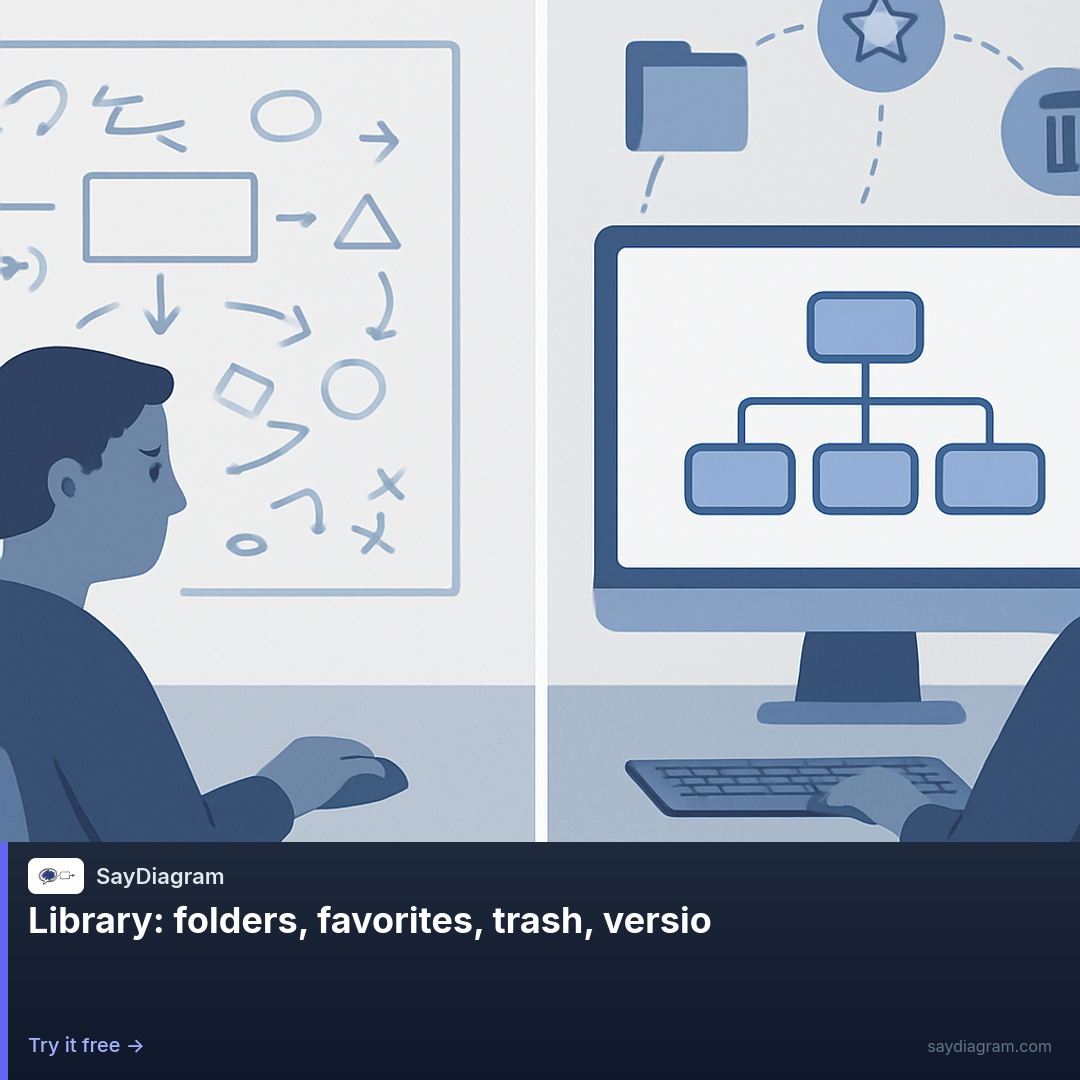
Managing diagrams can often feel overwhelming, especially as your collection grows. That’s why the Library feature in SayDiagram is a game changer. With the ability to create folders, mark favorites, recover from trash, and access version history, SayDiagram allows you to keep your workspace tidy and organized. This feature not only saves time but also enhances your productivity as you navigate through your diagrams.
How it works
The Library is designed to help you categorize and retrieve your diagrams easily. You can create folders to group related diagrams, making it simple to find what you need when you need it. If you have a diagram that you frequently use, you can mark it as a favorite, allowing you to access it with just a click.
Accidental deletions are a common issue when managing files. With the Library feature, you can recover diagrams from the trash, ensuring that nothing is permanently lost. Additionally, SayDiagram keeps track of the versions of your diagrams, so if you ever need to revert to an earlier iteration, you can do so without hassle. This way, you have the comfort of knowing that your work is safe, no matter what changes you make.
Who it’s for
The Library feature is perfect for anyone who creates diagrams, from seasoned designers to beginners just starting with Mermaid. If you're working on multiple projects, the ability to organize diagrams into folders helps maintain clarity and focus. It also caters to teams that need to collaborate efficiently and keep track of various versions of the same diagram. The Library ensures that everyone has access to the most up-to-date resources while also allowing for personal organization that reflects each user's workflow.
For those who are just getting started with SayDiagram, the Getting Started feature makes it easy to sign in using Google or GitHub, open your dashboard, and create or import your first Mermaid diagram. Once you’ve got the hang of it, the Library will be invaluable in helping you stay organized.
Tips or pitfalls
To maximize the benefits of the Library, here are a few practical tips:
- Regularly categorize your diagrams into folders as you create them. This habit will save you time in the long run.
- Don’t forget to mark diagrams as favorites that you use often. It’s a small step that can significantly streamline your workflow.
- Take advantage of version history, especially when experimenting with changes. If a new direction doesn’t work out, you can easily revert to a previous version.
By implementing these habits, you will find that managing your diagrams becomes a much more intuitive and less daunting task.
Try it
Ready to start organizing your diagrams? Check out the Library feature in SayDiagram and take control of your workflow. Try it.