
Introducing Team Workspaces: Collaborate Effortlessly with SayDiagram
Explore how our new Team Workspaces feature enhances collaboration in SayDiagram. Invite editors, comment, and co-create seamlessly.
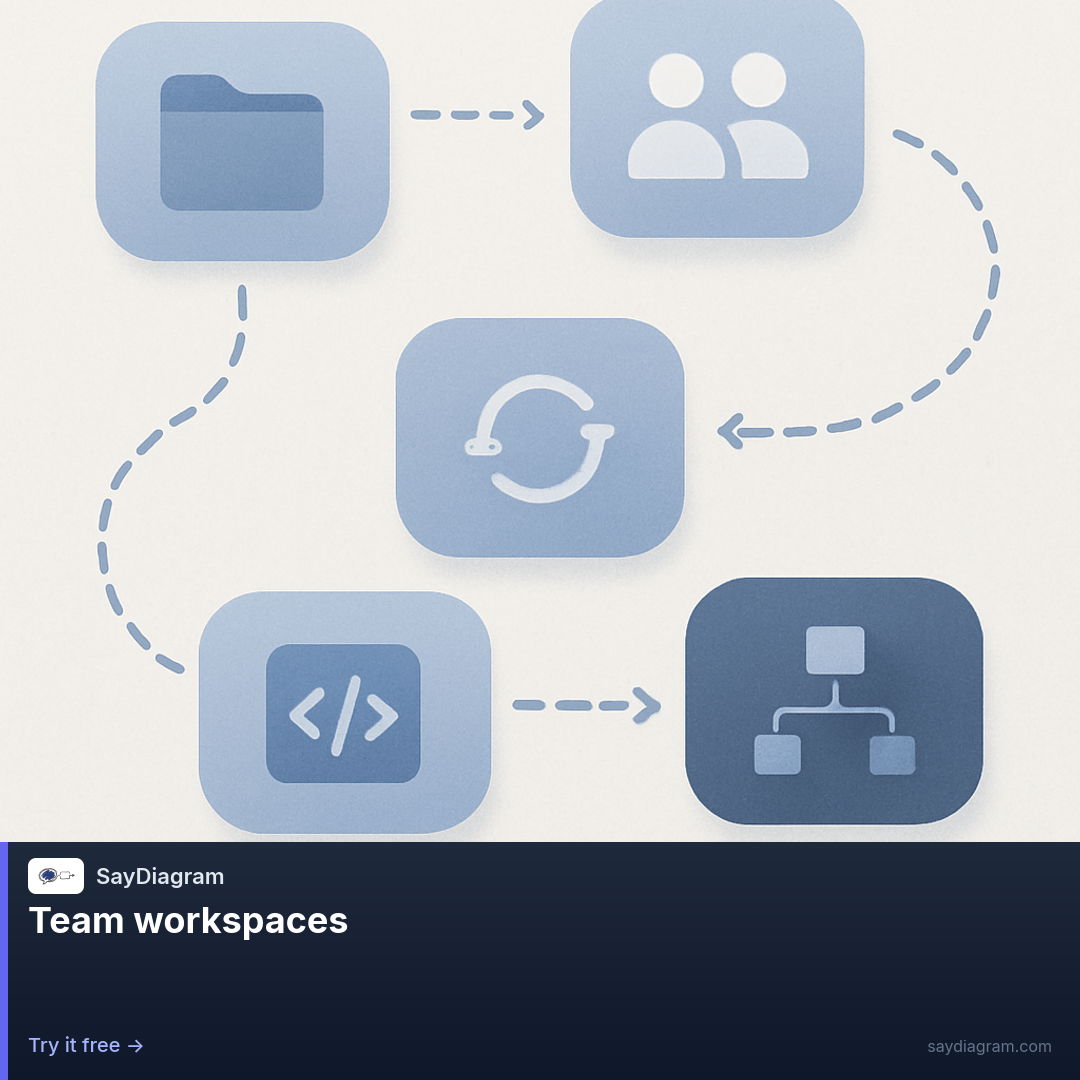
In today's fast-paced work environment, collaboration is more important than ever. We've listened to your feedback and are excited to introduce Team Workspaces in SayDiagram. This new feature is designed to enhance teamwork by allowing you to invite editors and viewers, comment with @mentions, and co-edit in real time. It's about making your collaborative efforts smoother and more effective.
Imagine working together with your team, all in one place, while creating diagrams that convey your ideas clearly. Whether you're brainstorming a project or mapping out complex workflows, Team Workspaces allows you to do it all without the hassle of back-and-forth emails or miscommunication.
How it works
Setting up your Team Workspace is straightforward. You can invite team members as editors or viewers with just a couple of clicks. Once they join, everyone can interact with the diagram simultaneously, making real-time adjustments. Use @mentions in comments to address specific team members, ensuring everyone stays in the loop. This creates an inclusive environment where ideas can flow freely and everyone’s input is valued.
In addition to co-editing, the Arrange Mode allows you to drag nodes on your visual canvas while keeping the underlying Mermaid source editable and in sync. This means that as you rearrange elements for clarity or aesthetic appeal, the code remains accurate and functional. It’s a seamless integration of design and code that empowers both technical and non-technical users to contribute effectively.
With the new AI capabilities, you can generate Mermaid diagrams from plain language descriptions, scan existing sketches for quick conversion, or utilize AI to polish your layouts daily. This feature reduces the friction in diagram creation, allowing you to spend more time focusing on ideas rather than formatting.
For presentations, the Present Mode enables a fullscreen step-through of your flowcharts or tasks. You can sequence events, showcase pie slices, or outline Gantt tasks with clarity and impact. This feature is perfect for team meetings or client presentations, ensuring that your visual aids convey your message effectively.
To enhance your editing experience, we’ve integrated the Editor Basics with a split-pane Monaco editor. This setup provides a live preview of your Mermaid diagrams, along with auto-save functionality and easy title editing. This way, you can focus on your content without worrying about losing your work.
Furthermore, our customization options through Themes, Fonts, and Hide Nodes let you apply different styles to your diagrams. You can hide nodes to focus on specific parts of your story without deleting anything, allowing you to maintain flexibility in your design process.
Who it’s for
Team Workspaces is designed for anyone who collaborates on complex diagrams, whether in design teams, project management, or educational settings. It’s perfect for:
- Design teams looking to brainstorm and visualize concepts together.
- Project managers who need to map out workflows and ensure alignment among team members.
- Educators and students who want to create engaging visual aids for presentations or projects.
No matter your role, the ability to collaborate seamlessly can significantly improve productivity and clarity in your projects.
A concrete walkthrough
Let’s walk through a typical scenario using Team Workspaces. Imagine you’re part of a product development team tasked with designing a new application. You start by creating a new diagram in SayDiagram. Once you have your initial ideas laid out, you can invite your team members to join the workspace by simply entering their email addresses.
As your colleagues join, you might designate some as editors—those who can make changes—and others as viewers, who can provide input without altering the diagram. You can then use the comment feature to highlight areas where you want feedback, tagging specific team members with @mentions to draw their attention.
While everyone collaborates in real time, you can take advantage of the Arrange Mode to modify the layout of your diagram. As you move nodes around, the underlying Mermaid code updates automatically, ensuring everything stays in sync. If you encounter a creative block, the AI feature can help generate ideas based on your descriptions or refine the layout for better clarity.
Once your diagram is polished, you can present it using the Present Mode to guide your team through the key points in a structured way. This ensures that everyone is on the same page and can provide their input as you progress through the presentation. Afterward, you can save your work, and the split-pane editor guarantees that everything is auto-saved and ready for future sessions.
Tips
To make the most out of Team Workspaces, consider these tips:
- Use @mentions effectively to foster communication and ensure everyone knows when their input is needed.
- Experiment with different Themes and Fonts to find a visual style that resonates with your team.
- Familiarize yourself with the AI features to streamline your diagram creation process.
- Encourage team members to utilize the Present Mode as part of regular check-ins or project updates.
With these strategies, you can unlock the full potential of teamwork in SayDiagram.
Try it
Ready to enhance your collaboration? Explore Team Workspaces and see how it can transform the way you work together. Try it here.