
Revolutionizing Diagram Creation with AI: Idea, Scan, and Layout
Unlock the power of AI to generate diagrams effortlessly. Discover how our latest feature enhances your design process.
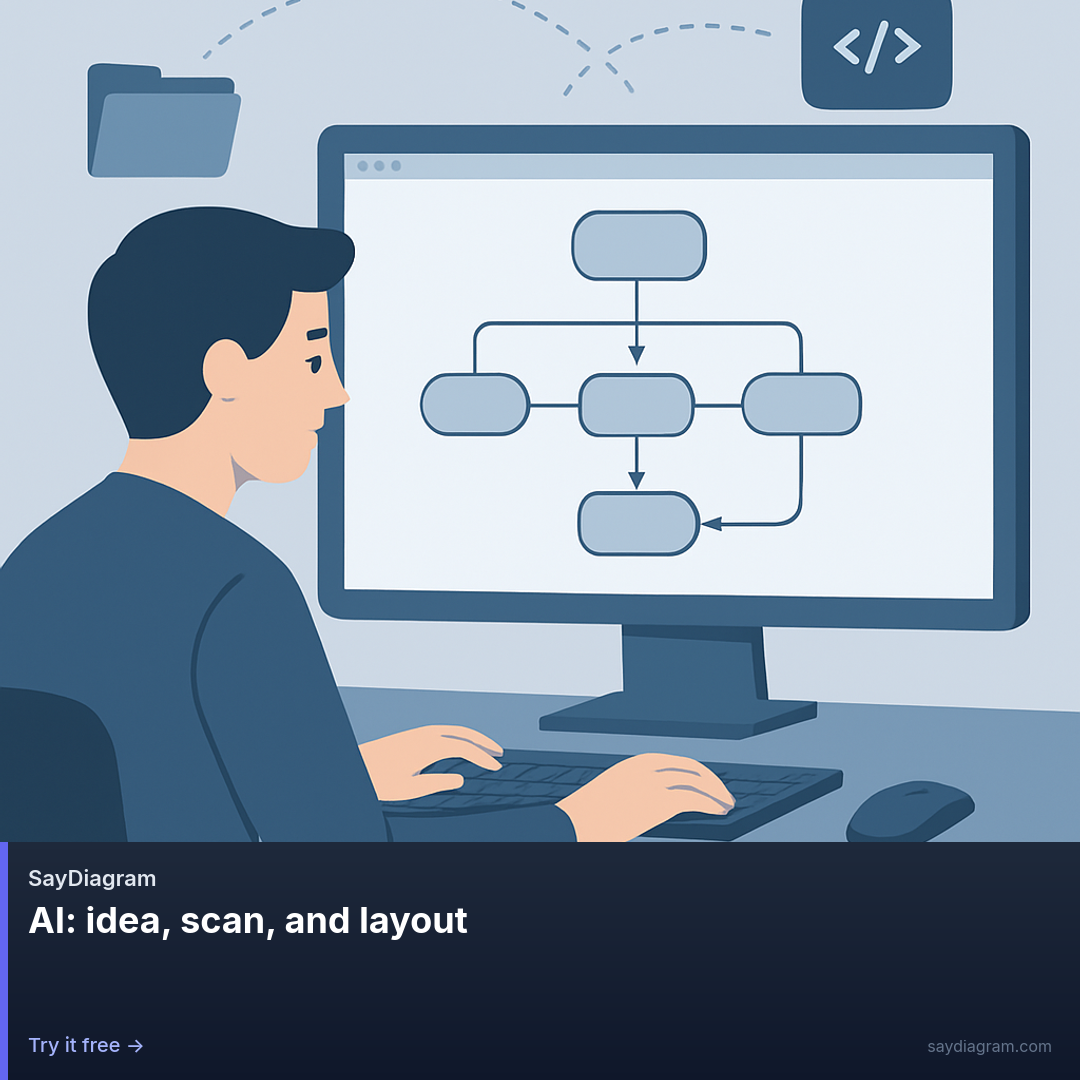
In today's fast-paced digital world, clarity in communication is more important than ever. Diagrams are a powerful way to convey complex ideas simply and effectively. That's why we are excited to announce our latest feature: AI: Idea, Scan, and Layout. This innovative addition empowers you to create diagrams in ways that were once unthinkable.
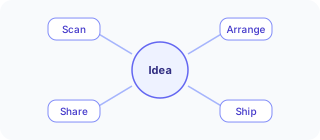
With this feature, you can generate Mermaid diagrams from plain language, scan a sketch for quick conversion, or refine your layout using daily AI allowances. Whether you’re brainstorming in a meeting or polishing a presentation, our AI tools help you streamline your workflow.
How it works
Using the AI: Idea, Scan, and Layout feature is straightforward. You can start by typing out your ideas in natural language, and our AI will convert them into a structured Mermaid diagram. This makes it incredibly easy to translate thoughts into visuals without having to delve into the intricacies of diagramming syntax.
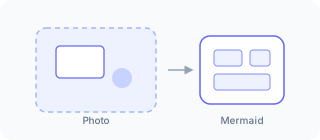
If you prefer to sketch your ideas first, our scanning capability allows you to capture those sketches. Simply upload a picture of your drawing, and the AI will interpret it, creating a neat diagram based on your rough outlines. This feature is particularly useful for those who find that visual brainstorming aids their creativity.
Finally, the layout polishing function enables you to refine the design of your diagrams. With daily allowances, you can make adjustments to ensure your diagrams not only convey the information but also look professional and polished. This ensures that your diagrams are not just functional but also visually appealing.
Who it’s for
The AI: Idea, Scan, and Layout feature is designed for anyone who regularly works with diagrams. Whether you are a product manager needing to visualize workflows, a designer crafting user journeys, or an educator illustrating complex concepts, this feature enhances your productivity.
Moreover, it’s particularly beneficial for teams. When collaborating on projects, having the ability to quickly translate ideas into diagrams can spark discussions and drive insights. The ease of use means that team members can contribute to the diagramming process without needing extensive training or background knowledge.
If you’re just getting started with SayDiagram, our onboarding process is seamless. Sign in with Google or GitHub, open the dashboard, and you can create or import your first Mermaid diagram in no time. This accessibility aids both newcomers and seasoned users who want to maximize their diagramming efficiency.
Tips or pitfalls
While using the AI features, it's essential to keep your prompts clear and concise. The more specific you are, the better the AI can interpret your ideas. Avoid overly complex language or jargon that might confuse the interpretation process.
Additionally, when scanning sketches, ensure that the image is clear and well-lit. High-quality scans will lead to more accurate diagrams, allowing the AI to better understand your initial concepts.
As you explore these features, remember that the daily allowances for layout polishing are there to enhance your designs. Utilize them effectively to create a series of diagrams that are not only informative but also visually engaging.
Try it
Ready to transform your diagramming process? Try it here and unlock the potential of AI in your projects. With AI: Idea, Scan, and Layout, your ideas can take shape like never before.