
Enhance Your Workflow: SayDiagram's New VS Code Extension
Discover how our new VS Code extension streamlines your diagramming process, making it easier to visualize ideas directly from your code.
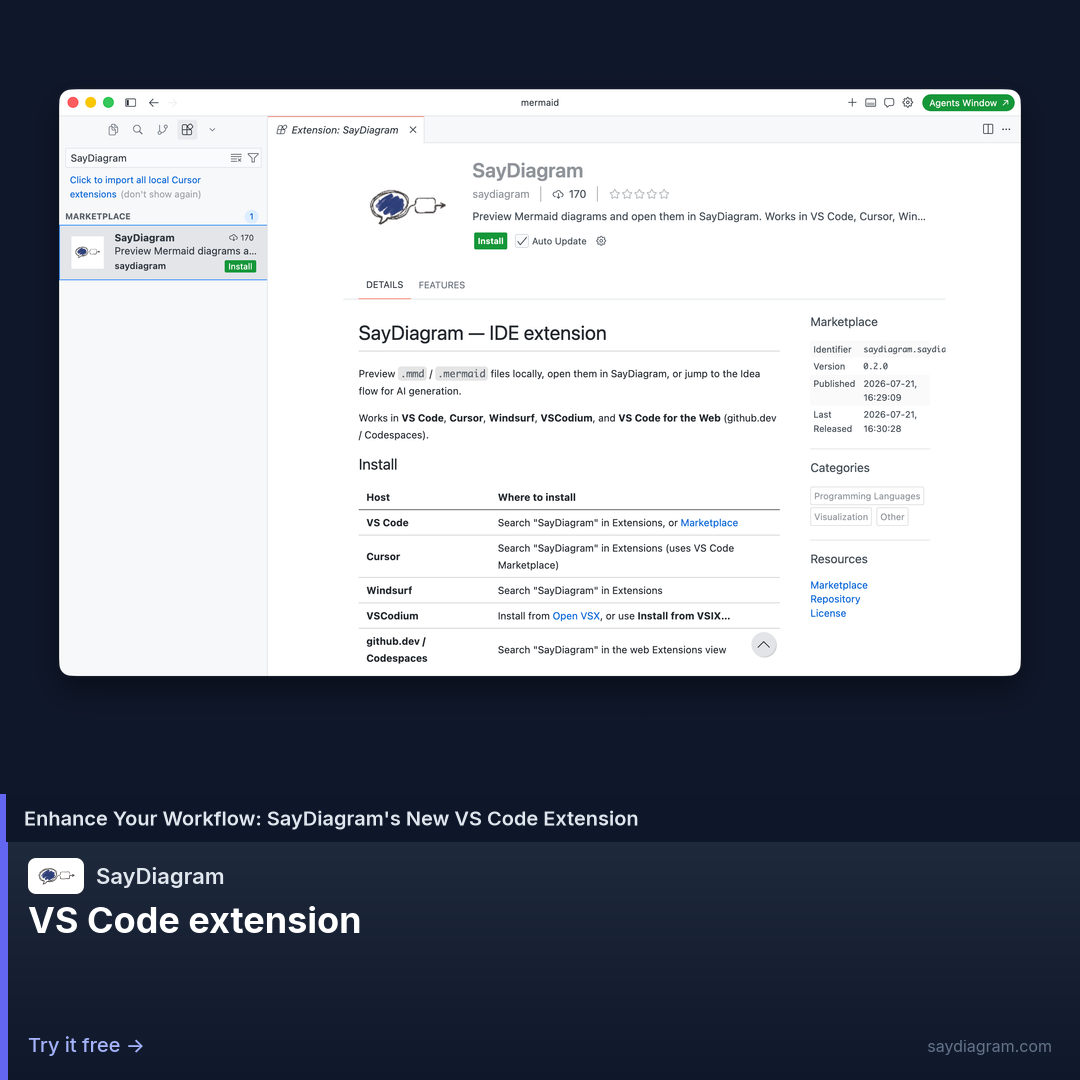
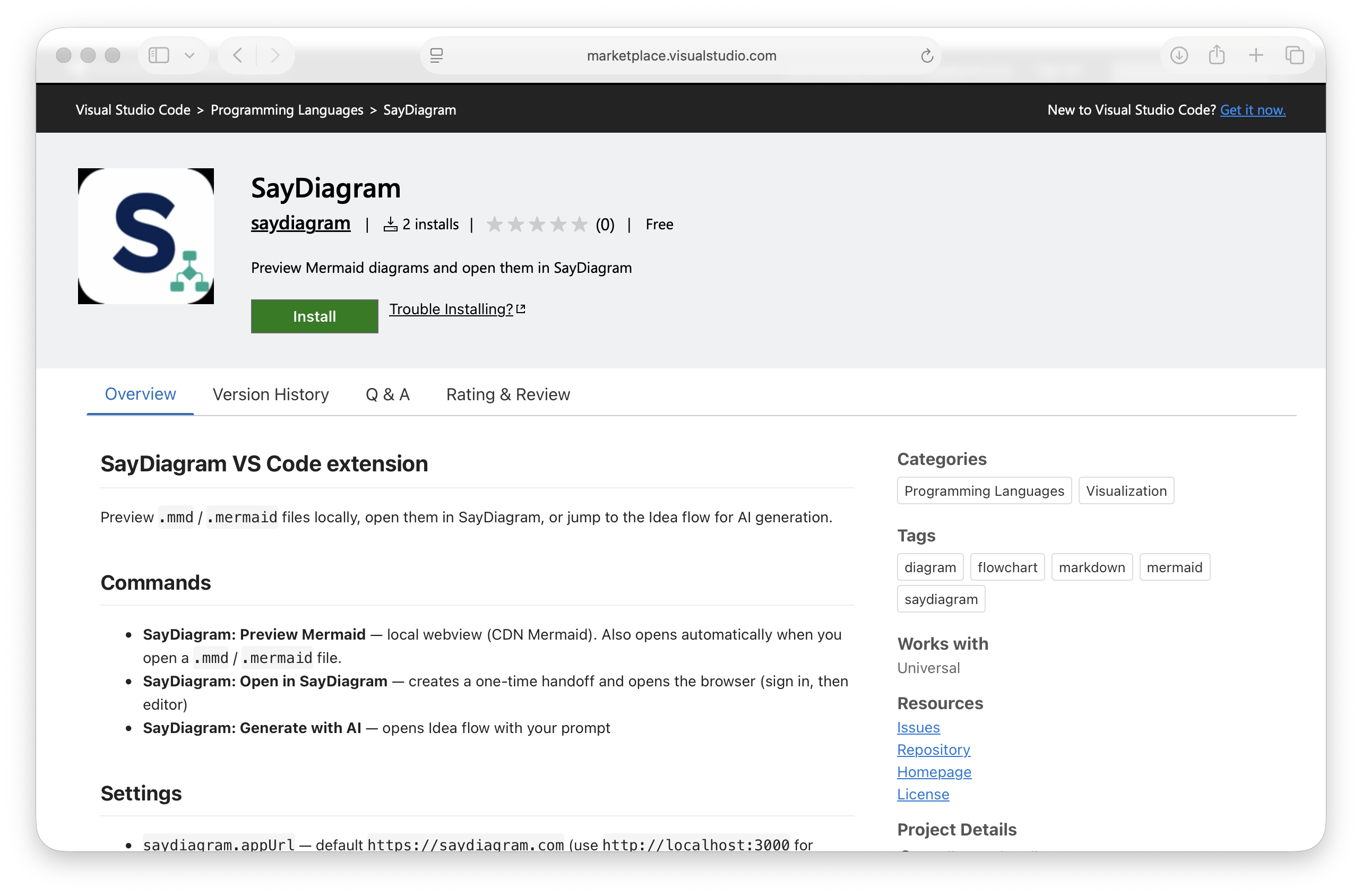
In the fast-paced world of software development, integrating tools that enhance productivity is crucial. That's why we're excited to introduce the SayDiagram VS Code extension. This new feature allows you to preview .mmd files locally, open them directly in SayDiagram, or jump to AI Idea—all from within your favorite code editor, VS Code.
This extension is designed to bridge the gap between coding and visualizing your ideas. With just a few clicks, you can transform plain text diagrams into rich visuals, facilitating better understanding and communication among team members. It empowers developers, designers, and product managers by simplifying the process of diagram creation and collaboration.
How it works
The VS Code extension integrates seamlessly with your existing workflow. Once installed, you can preview any Mermaid (.mmd) files right in your editor. This means that instead of switching back and forth between applications, you can visualize your diagrams without losing your coding momentum.
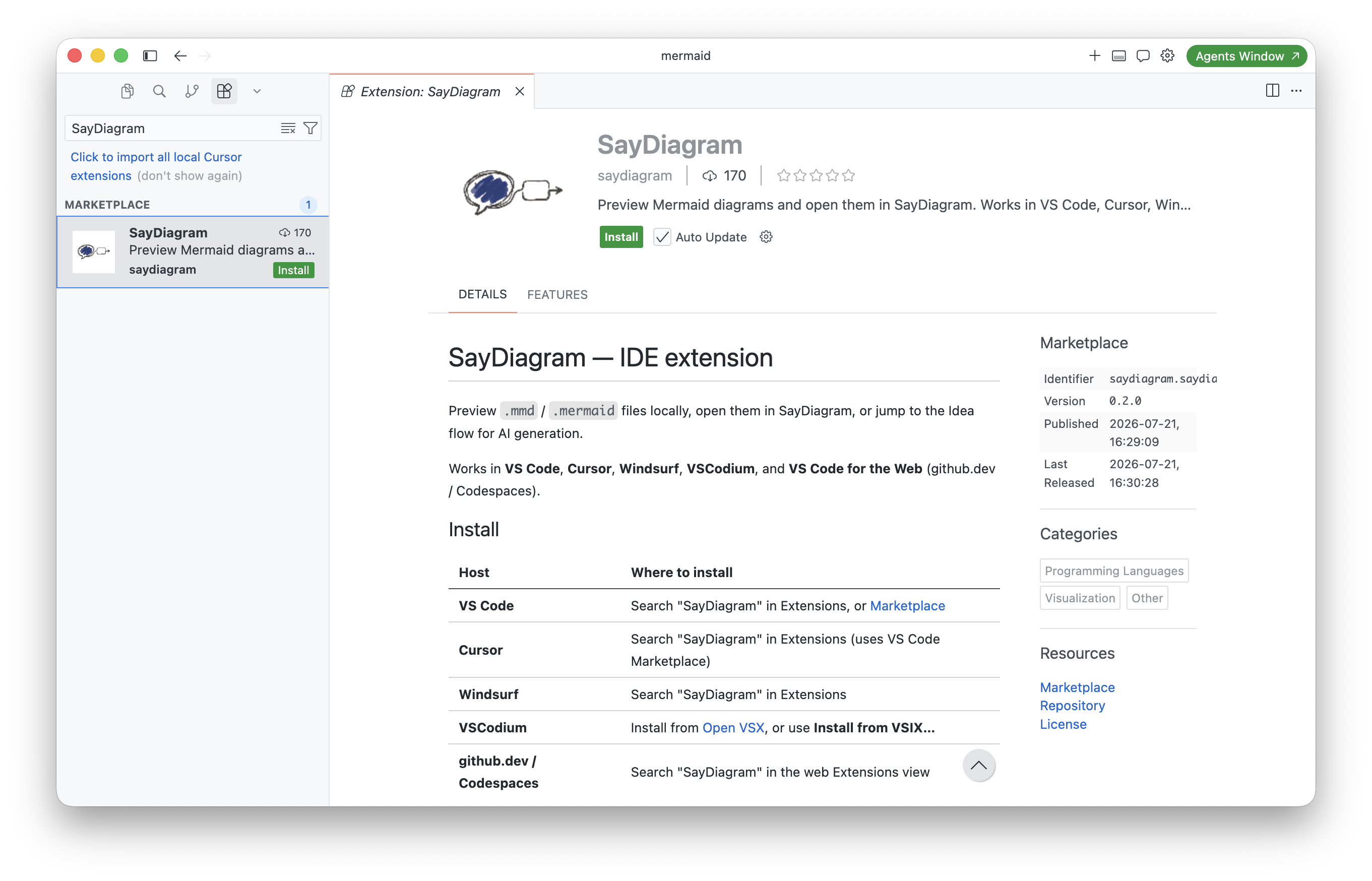
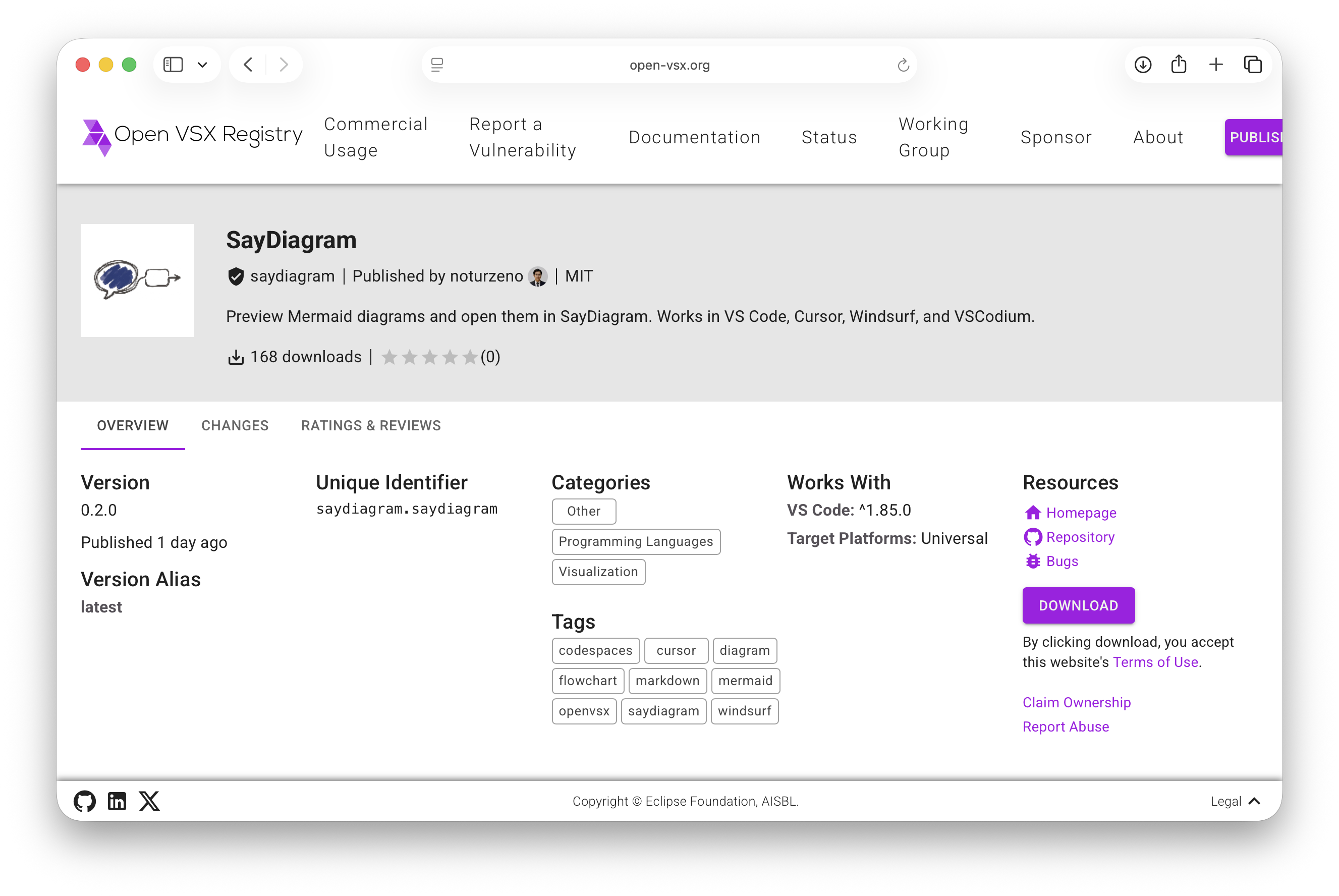
To get started, simply install the extension from the VS Code Marketplace. Once it's set up, you'll have the option to preview your diagrams locally. If you want to edit or refine your diagrams further, just click to open them in SayDiagram. This fluid transition allows for a more cohesive workflow, reducing the friction often experienced when toggling between tools.
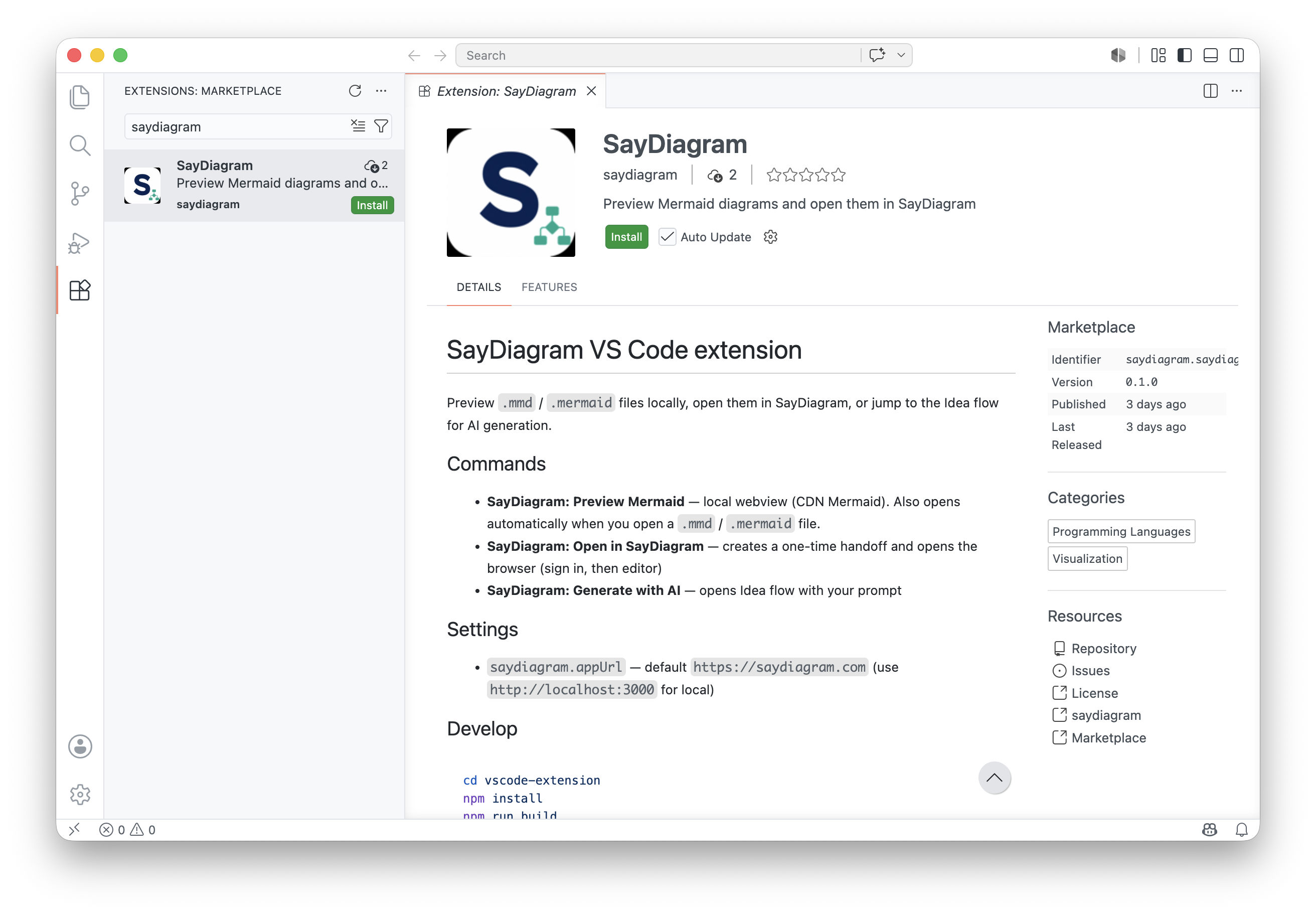
Additionally, the extension makes it easy to generate ideas using AI directly from your code. If you’re stuck or need inspiration, you can quickly jump to AI Idea, which provides you with suggestions based on your current work context. This feature not only saves time but also enriches the creative process.
Who it’s for
The SayDiagram VS Code extension is perfect for a variety of professionals. Developers will appreciate the ease with which they can visualize complex systems or algorithms, while designers can benefit from turning their concepts into clear, shareable diagrams. Product managers and team leads can use it to create visual documentation that fosters alignment and understanding across teams.
Whether you’re working on a small project or managing a large scale development effort, this extension is designed to enhance collaboration and efficiency. It’s particularly beneficial for teams that rely on clear communication and visual aids to convey ideas effectively.
Tips or pitfalls
While the extension is straightforward to use, a few tips can help you maximize its potential.
First, take advantage of the local preview feature. This allows you to catch issues in your diagrams before they are shared with the team, saving time and preventing miscommunication.
Second, don’t hesitate to explore the AI Idea feature. It’s a powerful tool that can spark creativity and potentially lead to innovative solutions. However, remember that while AI can assist in generating ideas, it’s important to apply your own insights and context to ensure relevance and accuracy in your diagrams.
Lastly, keep your Mermaid syntax clean and well-structured. The clearer your input, the better the output. Familiarizing yourself with Mermaid conventions will ensure that your diagrams are rendered as intended.
Try it
Experience the SayDiagram VS Code extension for yourself and see how it can enhance your coding and diagramming practices. Try it today and start visualizing your ideas effortlessly within your workflow.